To our early users: thank you, and a few things worth knowing
Baylo has been growing and we have been getting some questions. Here are the answers to the most common ones.

Baylo has been growing, and with growth comes real-world use. Real families, real schedules, real fringe cases. That is exactly how it should be, and we are grateful for every person who has brought Baylo into their home, especially since we know that Baylo is still not perfect - some things don't work the first time, some are not clear, some are unexpected. Baylo is improving daily, but it is a journey and we thank you for being part of it.
In this blog post, I have answered the most common questions we received last week.
1. How to reach a human?
First things first, Baylo is an AI assistant. If you ever want to reach out to a real person (me or Sarah), just start your message with HELLO TEAM - it works in app and in whatsapp, and it works in voice notes as well as text. We will receive that message and will get back to you.
You can also use feedback buttons on desktop (bottom right corner) or mobile (settings menu) - this feedback also goes to us.
Finally, if you are old-school, you can just drop us an e-mail at hello@baylo.ai.
2. Is Baylo free?
Yes. Completely, genuinely free.
Honestly? We've been so heads-down building it that pricing hasn't made it onto the to-do list yet. At some point we'll probably introduce paid features, but when we do, we'll give you plenty of notice, we won't hold your data hostage, and we promise we won't pull an Evernote.
Your reminders and data are always yours. Always exportable. Always free to take with you. We will never sell your personal data: what's in Baylo stays in Baylo.
Can I link Baylo with my existing calendar?
There are several ways to link your calendar with Baylo.
Import from your existing calendars (sorry it is slow, but this isn't up to us)
Most people start using Baylo by linking their Whatsapp and then going straight to Settings -> Calendar Import. What it does is it transfers your existing events and reminders (including birthdays and milestones) to Baylo. It will not create an ongoing link between calendars and Baylo cannot write into your calendar. It is a one-and-done, one-way import, to get you started. We have made a decision to only import your future events. You keep your past to yourself :)
I must say, both Google and Outlook are incredibly slow, so don't be surprised if page looks frozen for good few minutes.
You can forward e-mails to Baylo (neat trick!)
In Settings, you will notice that you have a dedicated e-mail address. It is yours only - you can forward e-mails or calendar invites to it at any time and Baylo will turn them into reminders. If any clarification is needed, Baylo will ask you on WhatsApp.
Forward Baylo reminders to your calendar, automatically or manually (very convenient!)
If you want reminders to go the other way (from Baylo to your other calendar), you can do that too - just set up automatic share of all Baylo reminders (you will find it in Settings), or pick manually and send only that one.
How do I add a family member to a group
So, you found a button in the panel, and created a group called "Family" (or similar). Now you want your partner to join, so that they always remember bin day. How do you do that? Easy!
Select the group icon in the panel and then pick the group you want to add someone to. Tap group settings (the gear icon in the top right hand corner), scroll almost to the bottom and copy the invite link, then send to your partner in time for bin day. You can create as many invite links as you want. When someone clicks on the link, it is the same simple process to sign in and boom - you can share reminders (don't forget to tell Baylo whether you want the reminder or note to be group or personal. If you don't, it will decide!).
Thank you again
We are delighted you are here and taking the time to get the most out of Baylo. If you have any more questions, or any feedback you want to share, please reach out. Now you know how 🐿️
By Vitaly from BayloBaylo news
More to read
-1600x1000.jpg&w=3840&q=75)
September 2026 update: Meals, your family meal planner, and a look behind the scenes
Baylo now plans your family's meals: who is eating, what they can't have, the week, the recipes and the shopping list. And behind the scenes: a sharper Baylo, settings you can just ask for, and dark mode. Here is September.
 Vitaly from Baylo5 min read
August 2026 update: Telegram, your family group chat, calendar you can read, and more
Baylo now lives on Telegram, including inside your family group chat. The calendar shows what is actually happening, reminders carry colours that say who is doing what, and Apple calendars flow in. Here is August.
Vitaly from Baylo4 min read
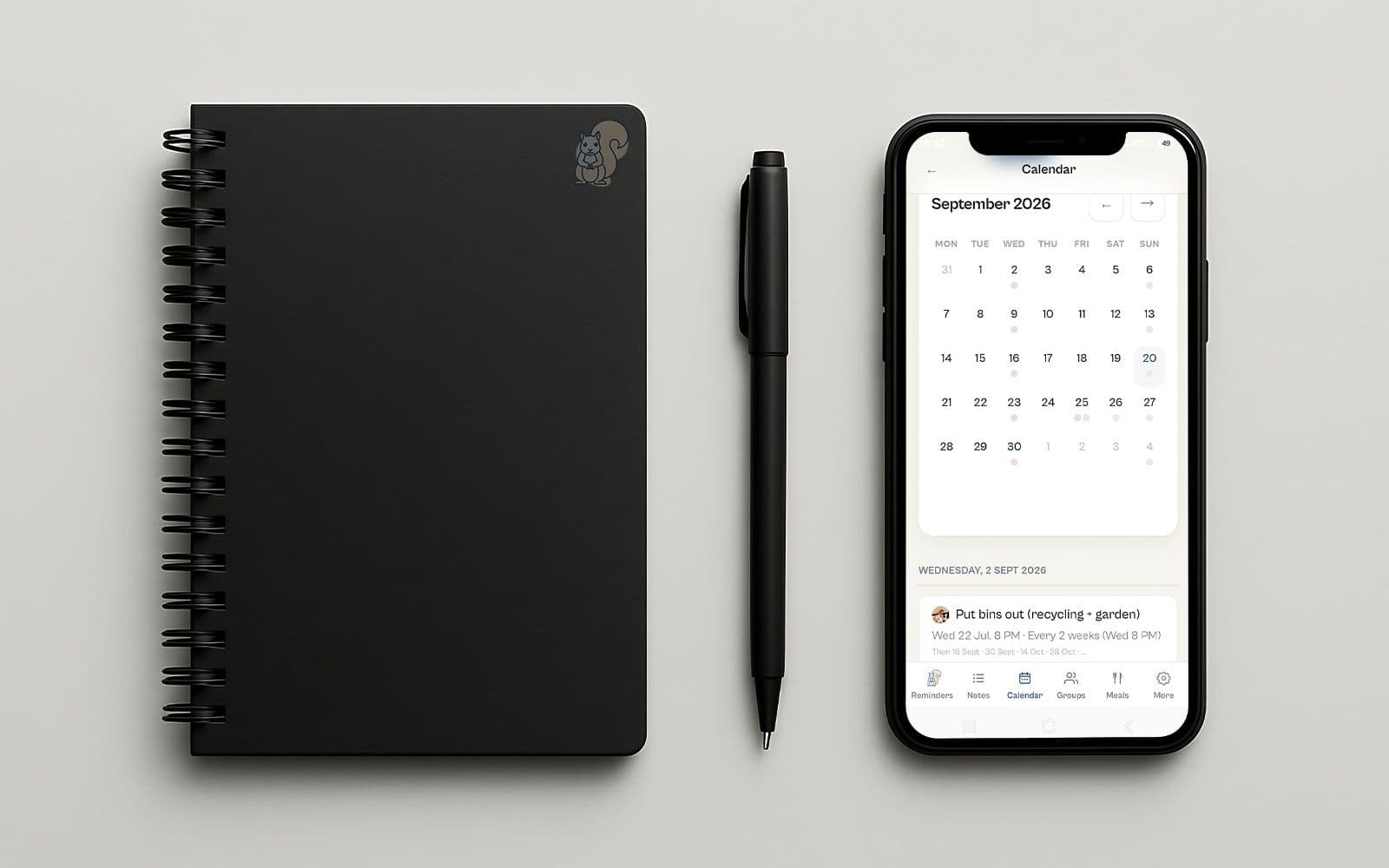
Baylo July 2026 update: smartphone apps, calendar sync and more
Baylo is now a proper app on your phone, it keeps itself in step with your calendar, and you can hand it a PDF instead of typing out the dates yourself. And that is only the beginning. Here is what's new in July.
Vitaly from Baylo3 min read