August 2026 update: Telegram, your family group chat, calendar you can read, and more
Baylo now lives on Telegram, including inside your family group chat. The calendar shows what is actually happening, reminders carry colours that say who is doing what, and Apple calendars flow in. Here is August.

August was a big month. Baylo moved into Telegram, learned to sit in your family group chat, and had a proper visual going-over.
Baylo is now on Telegram, family group chat and all
Baylo carries your family's admin: the reminders, the calendar, the notes and the lists. Until now that meant WhatsApp, the app on your phone, or your browser. Now it means Telegram too. Connect it once in Settings, Connections, and everything comes with you. Same account, same reminders, voice notes, photos, PDFs, you name it.
The bigger news is what happens next. You can add Baylo to the family Telegram chat you already use, set up from that group's page in the app. Baylo reads the room but stays quiet, and only answers when someone tags @BayloBot, opens with "Hey Baylo", replies to it, or taps one of its buttons.
Because it has been following along, you never have to explain anything twice. Swimming moves to Tuesday at five, someone tags Baylo, and it is a shared reminder for the whole family. Somebody drops a photo of the club letter into the chat and a term's worth of dates come back out. "Hey Baylo, what did we decide about Saturday?" gets you the answer instead of five minutes of scrolling.
Anything saved in that chat is shared with the family group, and anything private stays private and never shows up there. For Baylo to save what someone says, they need to be in the Baylo group with their own Telegram connected. Everyone else carries on chatting as normal.
WhatsApp does not let assistants into group chats, so this one is Telegram-only. On WhatsApp, shared reminders keep arriving as private messages to each person, exactly as they do now.
A calendar you can actually read
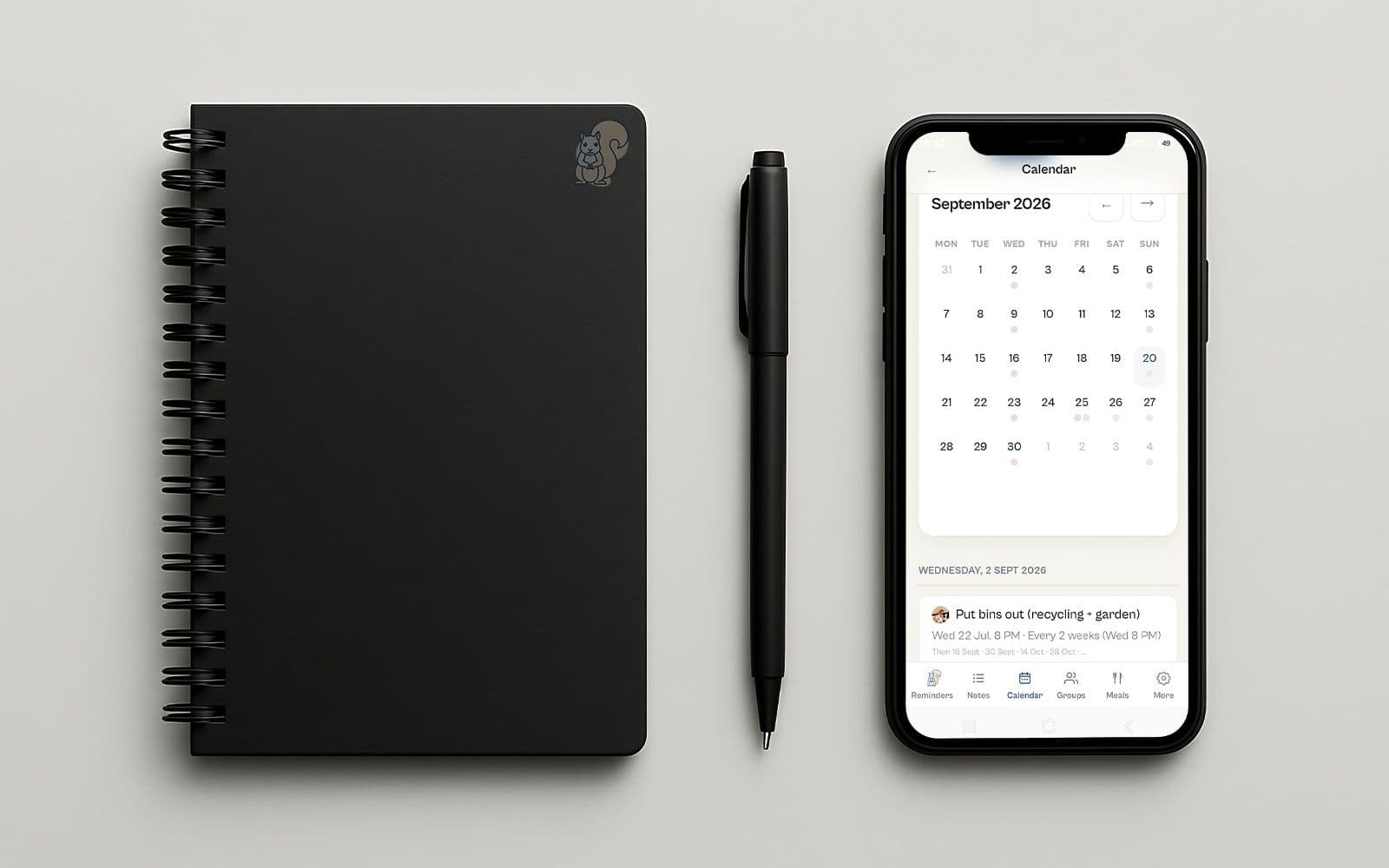
The month view used to show dots. A dot tells you something is happening on Thursday, which you had probably worked out. Now it shows the actual titles, with a count on the busy days, and tapping a day opens the full list underneath (or on the side, if you are on a computer). There is a new week view too.
And you pick what opens first. In Settings > Account, set your default view to the reminders list, the weekly calendar or the monthly calendar. Past reminders live in the calendar as well, with a quick search, so the thing you did in June is findable without asking.
Colours, and who is doing what
Reminders can now carry a colour. Eleven muted ones, and nothing is coloured until you say so. Colour a single reminder, a whole selection at once, everything in a group, or everything arriving from a connected calendar. You can also just ask: "make the dentist yellow". Events from Google turn up wearing the colour you already gave them there.
Then name your colours. Hold a swatch and call it School, Football, Dad, Nan. The names are yours, and nobody else in the family sees them.
Here is the part that earns its keep. Link a colour's name to someone in your family group and the colour becomes the assignment. Paint a shared reminder that colour and that person is looking after it. Change the colour and it moves. One glance at the week tells you who is doing the pickups, and changing your mind is a tap rather than a conversation. If you had already told Baylo who was looking after what, that is colour now, done for you.
Apple Calendar now flows in
Google and Outlook have synced both ways since July. Apple was the gap. Paste your Apple or iCloud calendar's public link into Settings, Connections, and its events arrive in Baylo and stay in step, up to ten years ahead.
It is one-way link - unlike Google and Outlook which sync both ways. Write an e-mail to Apple to ask why they don't make two-way sync available, I guess. Anyway, Baylo reads that Apple calendar and any other calendar that uses same iCal format.
Behind the scenes, in the open
There is a new page at baylo.ai/behind-the-scenes showing what we are fixing right now, what is coming next, and what has just landed. No sign-in needed. Also available from Settings menu.
We built it because the honest answer to "is anyone actually working on this?" should be a page you can look at, not a support reply.
And plenty more
You can now set your own default heads-up in Settings > Alerts: one lead time for anything with a clock time, and a separate rule for all-day things like birthdays. Your daily and weekly summaries can carry overdue items along with them. Baylo's all-day reminders go into your work calendar as Free rather than Busy, so an inset day no longer blocks out your Thursday. Sign in with Apple now works everywhere, not just on iPhone. Phone notifications are steadier, and Baylo's WhatsApp messages have had a proper tidy-up. Behind all that sits a long list of bugs found and fixed, which you can read through on the Behind The Scenes page.
Keep telling us
Almost everything above started as a message from one of our users. The family group chat exists because you kept telling us the plans happen in the group chat and Baylo was not in it.
The feedback button is in the app: bottom right corner on desktop, in the settings menu on mobile. It comes straight to us, and we read all of it.
Baylo is free, on WhatsApp, on Telegram, on your phone and in your browser.
Frequently asked questions
Is Baylo on Telegram?
Yes. Connect Telegram in the Baylo app under Settings, Connections. Baylo works the same there as on WhatsApp or in the app: reminders, notes, lists, voice notes, photos and summaries, all on the same account.
Can Baylo join my family group chat?
Yes, on Telegram. Add Baylo to your family Telegram chat from that group's page in the Baylo app. Baylo reads the chat but only replies when someone tags @BayloBot, starts a message with "Hey Baylo", replies to Baylo, or taps one of its buttons. WhatsApp does not allow assistants in group chats, so this is Telegram only.
Are my private reminders visible in the family Telegram chat?
No. Only things saved in that chat, and things shared with that Baylo group, appear there. Anything personal stays in your own chat with Baylo and in the app.
Does Baylo sync with Apple Calendar?
Yes, one way. Paste your Apple or iCloud calendar's public link into Settings, Connections, and its events appear in Baylo and stay up to date. Baylo only reads that calendar and never writes to it. Google and Outlook still sync both ways. Baylo holds one outside calendar at a time.
Can I choose which screen Baylo opens on?
Yes. In Settings, Account, set your Default view to the reminders list, the weekly calendar, or the monthly calendar.
Can I colour-code my reminders in Baylo?
Yes. There are eleven colours. Colour one reminder, several at once, everything in a group, or everything from a connected calendar. You can name each colour, and if you link a colour's name to someone in your family group, colouring a shared reminder is how you say who is looking after it.
Can I change how far in advance Baylo reminds me?
Yes. In Settings, Alerts, set a Default ping time. One lead time applies to anything with a clock time, and a separate setting decides when Baylo raises all-day items like birthdays. Whatever you ask for on an individual reminder still wins.
By Vitaly from BayloBaylo news
More to read
Baylo July 2026 update: smartphone apps, calendar sync and more
Baylo is now a proper app on your phone, it keeps itself in step with your calendar, and you can hand it a PDF instead of typing out the dates yourself. And that is only the beginning. Here is what's new in July.
Vitaly from Baylo3 min read
The best apps for family organisation in the UK (and why most of them require too much effort)
A guide to the best apps for family organisation in the UK — what each one is actually good for, who it's built for, and why most of them only work if you're already organised.
Sarah from Baylo9 min read