Baylo July 2026 update: smartphone apps, calendar sync and more
Baylo is now a proper app on your phone, it keeps itself in step with your calendar, and you can hand it a PDF instead of typing out the dates yourself. And that is only the beginning. Here is what's new in July.
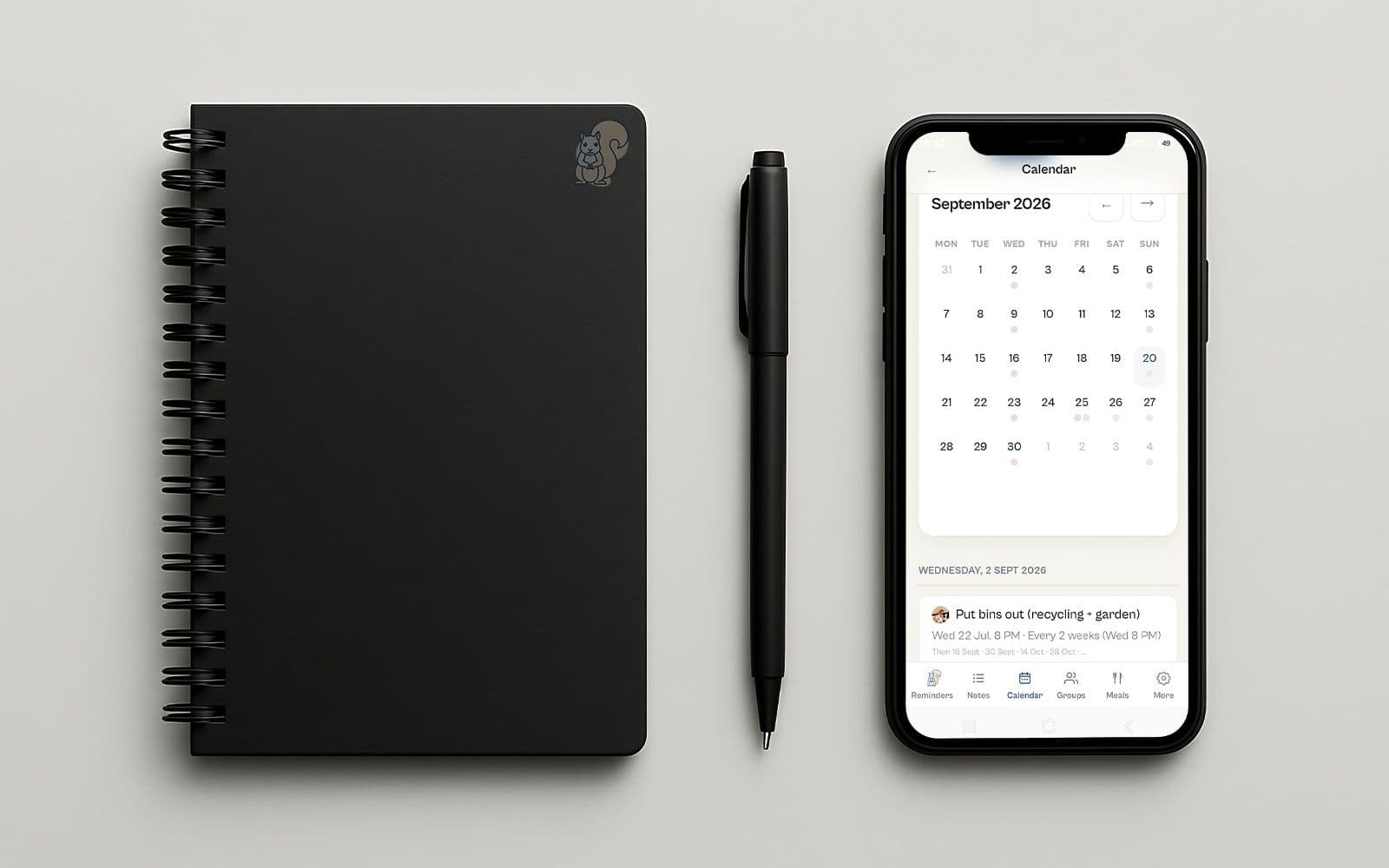
July was a good month for Baylo. It moved into your pocket, made friends with your calendar, and learned to read the paperwork so you don't have to. Here's what that means day to day.
Baylo is now an app on your phone
Baylo started life on WhatsApp and in the browser, and both are staying. But plenty of you asked for a proper app icon to tap, so here it is: Baylo for iPhone and Android.
Baylo for Android - Google Play Store
Baylo for iOS - Apple App Store
It's the same Baylo and the same account, so there's nothing to set up again. It opens straight away, you stay signed in, and it can give you a nudge on your phone as well as on WhatsApp. Everyone in the family can use Baylo their own way: one of you lives in WhatsApp, another prefers the app, and you all see the same reminders and lists.
Both apps are free, like everything else about Baylo.
Baylo and your calendar now stay in step
You could already copy your calendar into Baylo. The trouble with a one-off import like that is that life doesn't hold still: the dentist moves your appointment, football training switches days, and the copy is out of date by Tuesday.
So we've done away with copying. Connect your Google or Outlook calendar once, under Calendars in Settings, and from then on Baylo simply keeps up. A new event in your calendar appears in Baylo by itself. If something moves or gets cancelled, Baylo knows. And it goes the other way too: the school play you mention to Baylo on WhatsApp will pop up in your calendar, right where the rest of your week lives.
The nice part is what you stop doing. No more wondering whether you put that thing in the calendar or told Baylo about it. Either one works, because they talk to each other.
If you used the old calendar import, there's nothing to undo. Connect your calendar and Baylo takes it from there. No duplicates will be created.
Hand Baylo the PDF
You could already take a photo of the newsletter on the fridge and let Baylo turn the dates into reminders. But so much of family life never makes it to paper. Term dates, fixture lists, club schedules and holiday bookings all land in your inbox as PDFs, usually six pages long with the dates buried on page four.
Now you can just pass the whole thing to Baylo. Attach it in the app, send it on WhatsApp, or forward the email, and Baylo reads it and picks out the bits that matter: the dates, the times, the things you actually need to do something about. One term calendar in, a term's worth of reminders out.
And lots of little things
Plenty of smaller touches arrived this month too. The app now looks and works the same whether you're on your phone or your laptop. Baylo links now open in the app when you have it, instead of landing you in a browser. Your reminders keep the right times when you're travelling across timezones. Notes now support numbered lists, not just bullet points and checkboxes. Baylo is a little smarter in many little ways. And a pile of quiet fixes behind the scenes means Baylo just works a little better everywhere.
Keep telling us
Almost everything above started as a message from one of our users. If something bugs you, or Baylo is missing the one thing that would make your week easier, the feedback button is in the app: bottom right corner on desktop, in the settings menu on mobile. It comes straight to us, and we read all of it. Alternatively, start your message to Baylo (in app or in WhatsApp) with HELLO TEAM - those messages are forwarded to us too.
By Vitaly from BayloBaylo news