November 2026 update: your list straight into the shop, reminders by hand, and repeats that know when to stop
Baylo now hands your shopping list to the supermarket, takes a reminder from a form as well as a message, and has learned when a repeat should end. And a long list of small things done properly. Here is October and November.
October and November were about the edges: the places where Baylo was nearly right and is now right. Plus a few things you could not do before at all, starting with the shopping.
Your list, straight into the shop
If you are in the UK or the UAE, every list in Notes now has a Shop online button, and the meal planner's shopping list has Save and shop online. Baylo takes the unticked items and hands them to the shop. Sainsbury's opens with your list ready, Waitrose opens with it copied and ready to paste into its Multi-search, and in the UAE you get a picture of your list to upload to Careem.
The first time, you sign in on the shop's own page. Baylo never sees your shop password and never touches your basket or your card: you choose the exact products and pay at the shop, as you always did. Which shops you see is in Settings > Time and place: wherever you live you can tick any of them, and unticking them all hides the button.
Add a reminder by hand
Sometimes you do not want a conversation, you want a form. A + on the calendar and a New reminder button on every group page now open one: title, date, time, repeat, who can see it, done. Baylo knows about it straight away, so nothing lives in two places and "actually, make that Friday" works on it like on anything else.
Repeats that know when to stop
"Every Monday, six times." "Water the plants every three days for the next fortnight." "Until the 20th of December." Baylo now keeps the ending you gave a repeat and stops on it, even if the start moves, instead of working the end out again and letting it slide.
And a repeat can bend for one week. "Move this Thursday's piano to Friday" changes that one date and leaves the rest of the series alone. Before, you could skip a date but not move it.
Your week, your way
Settings > Time and place lets you choose whether the week starts on Monday or Sunday, and everything follows: the calendar, the meal planner, the weekly outlook, and what "next week" means when you say it to Baylo.
On a Monday-to-Sunday week, the weekly summary on WhatsApp now puts each day on its own line, with that day's events underneath, instead of running them on after the date. It reads a lot better on a phone.
Meals, round two
Planning dinners only? Choose it under Show these meals and the week shows just those, and Let Baylo plan starts from the same choice. Recipes you add yourself now start as favourites, so they turn up in plans without being asked. Search your recipes by what is in the fridge: "anything with chickpeas?" And a batch-cook recipe now makes the number of servings the plan actually needs, with the recipe page saying how to scale the steps rather than just the quantities.
Lookouts, clearer
A Lookout alert now opens with what it is: "Lookout alert: I've spotted what you asked me to look out for." The card you get when you set one up says when the page is checked and what will make Baylo tell you. And if you ask Baylo how often it looks, it tells you: a page watch looks once a day at the time on that card, a scheduled readout only at its set times, and nothing in between, so a price that changes at lunchtime reaches you at the next look.
Quieter, when you want it
Every Done or Snooze tap on a ping gets a short reply back. Some of you found that one message too many. If you would rather it did not, Settings > Reminders, or just tell Baylo.
The small things
Correct your name in chat and Baylo remembers it. A clash notice now names up to three of the things you are clashing with, with their times, instead of just saying there is a clash. All-day events land on the right day in Google and Outlook for people in New Zealand and Fiji. Colours you set in chat reach your Google Calendar when you ask. A reply to a ping that says "done, and remind me again next month" does both. And a brief wobble in the connection is far less likely to lose a message: Baylo tries again before it gives up. A running list of what has changed is on the Behind the Scenes page.
And one for the geeks
Baylo is not in the Claude or ChatGPT connector directories yet. If you know your way around either, you can add it by hand today: in Claude, a custom connector at https://www.baylo.ai/mcp; in ChatGPT, as a custom MCP server at the same address, which ChatGPT only allows on its Business, Enterprise and Edu plans, on the web. Sign in once, and "ask Baylo to remind me about the dentist on Thursday" works from inside the conversation. Neither can receive pings, so those still arrive on WhatsApp, Telegram or the app.
Keep telling us
Almost everything above started as a message from one of you. The New reminder form exists because one of you asked for a way to fill in a group's calendar by hand, and the new weekly summary because another asked to see each day's events on their own line.
The feedback button is in the app: on a computer, bottom right on your home screen or under your picture at the top; on your phone, in the More menu. It comes straight to us, and we read all of it.
Frequently asked questions
Can Baylo send my shopping list to a supermarket?
Yes, in the UK and the UAE. Any list in Notes, and the meal planner's shopping list, has a Shop online button that hands the unticked items to Sainsbury's or Waitrose in the UK, or Careem in the UAE. Wherever you live, you can switch a shop on in Settings > Time and place. You sign in on the shop's own page, pick the exact products and pay there; Baylo never sees your shop password or your basket.
Can I add a reminder without chatting to Baylo?
Yes. The calendar and every group page have a New reminder form. Baylo knows about what you add there, so you can change it later by asking.
Can a repeating reminder stop after a number of times?
Yes. Say how it ends when you set it up: a number of times, a length of time, or a date. Baylo stops it there.
Can I move just one date of a repeating reminder?
Yes. Ask Baylo to move this week's one and only that date changes; the rest of the series stays as it was.
Can I make the week start on Sunday?
Yes, in Settings > Time and place. The calendar, the meal planner, the weekly outlook and what next week means in chat all follow it.
Does Baylo work inside Claude or ChatGPT?
Not from their directories yet. You can add it by hand: in Claude as a custom connector at https://www.baylo.ai/mcp, and in ChatGPT as a custom MCP server at the same address, which ChatGPT only allows on its Business, Enterprise and Edu plans, on the web. Reminders still arrive on WhatsApp, Telegram or the app.
How often does a Lookout check a page?
A page watch checks once a day at the time shown on its card, and a scheduled readout only at its set times. Nothing is checked in between, so a change reaches you at the next check.
By Vitaly from BayloBaylo news
More to read

September 2026 update: Meals, your family meal planner, and a look behind the scenes
Baylo now plans your family's meals: who is eating, what they can't have, the week, the recipes and the shopping list. And behind the scenes: a sharper Baylo, settings you can just ask for, and dark mode. Here is September.
 Vitaly from Baylo5 min read

August 2026 update: Telegram, your family group chat, calendar you can read, and more
Baylo now lives on Telegram, including inside your family group chat. The calendar shows what is actually happening, reminders carry colours that say who is doing what, and Apple calendars flow in. Here is August.
Vitaly from Baylo4 min read
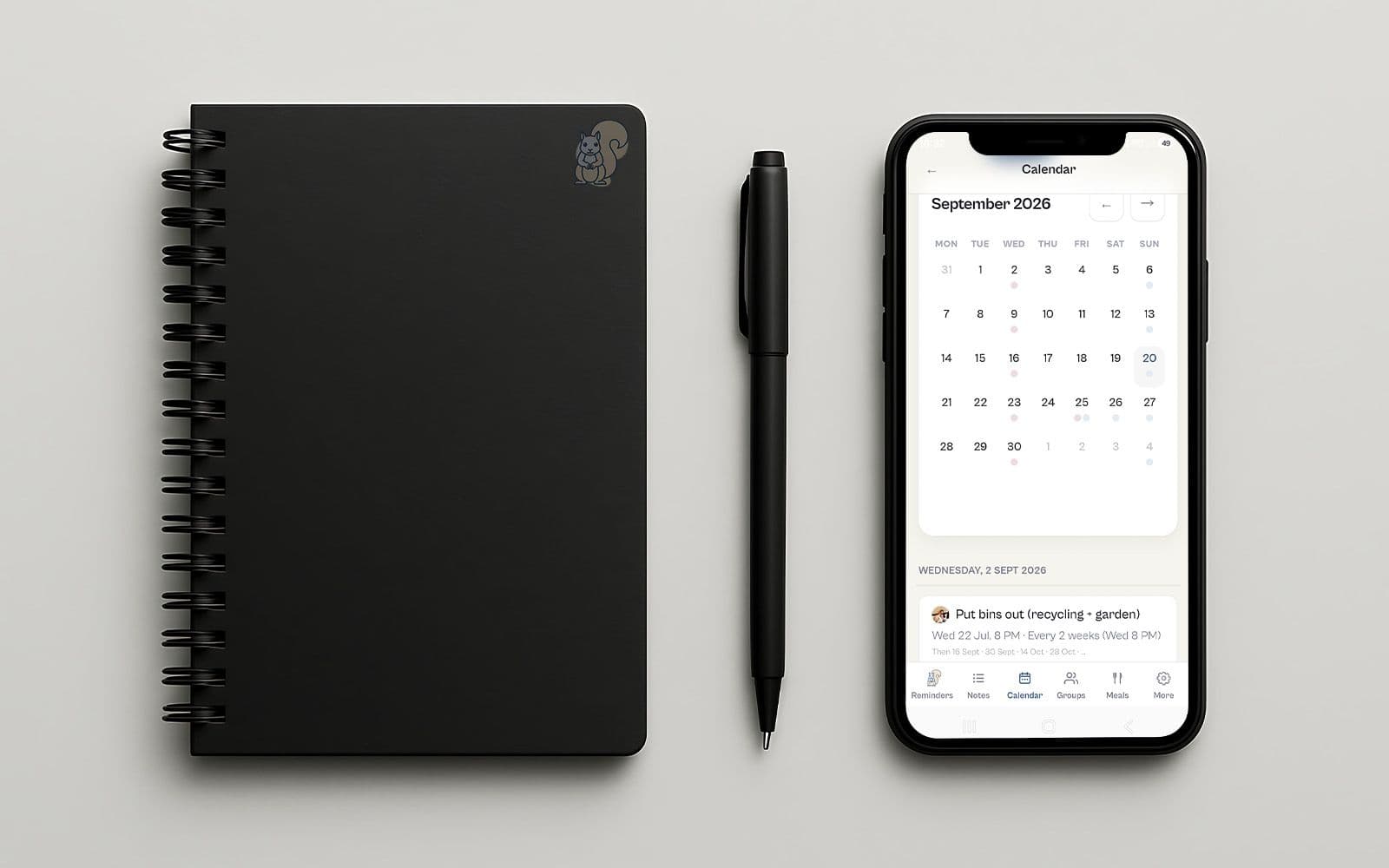
Baylo July 2026 update: smartphone apps, calendar sync and more
Baylo is now a proper app on your phone, it keeps itself in step with your calendar, and you can hand it a PDF instead of typing out the dates yourself. And that is only the beginning. Here is what's new in July.
Vitaly from Baylo3 min read