How to share a family calendar across everyone's phones (even iPhone and Android)
Most households do not have a scheduling problem, they have a visibility problem. Here is how to get everyone seeing the same schedule, whatever phone they are on.
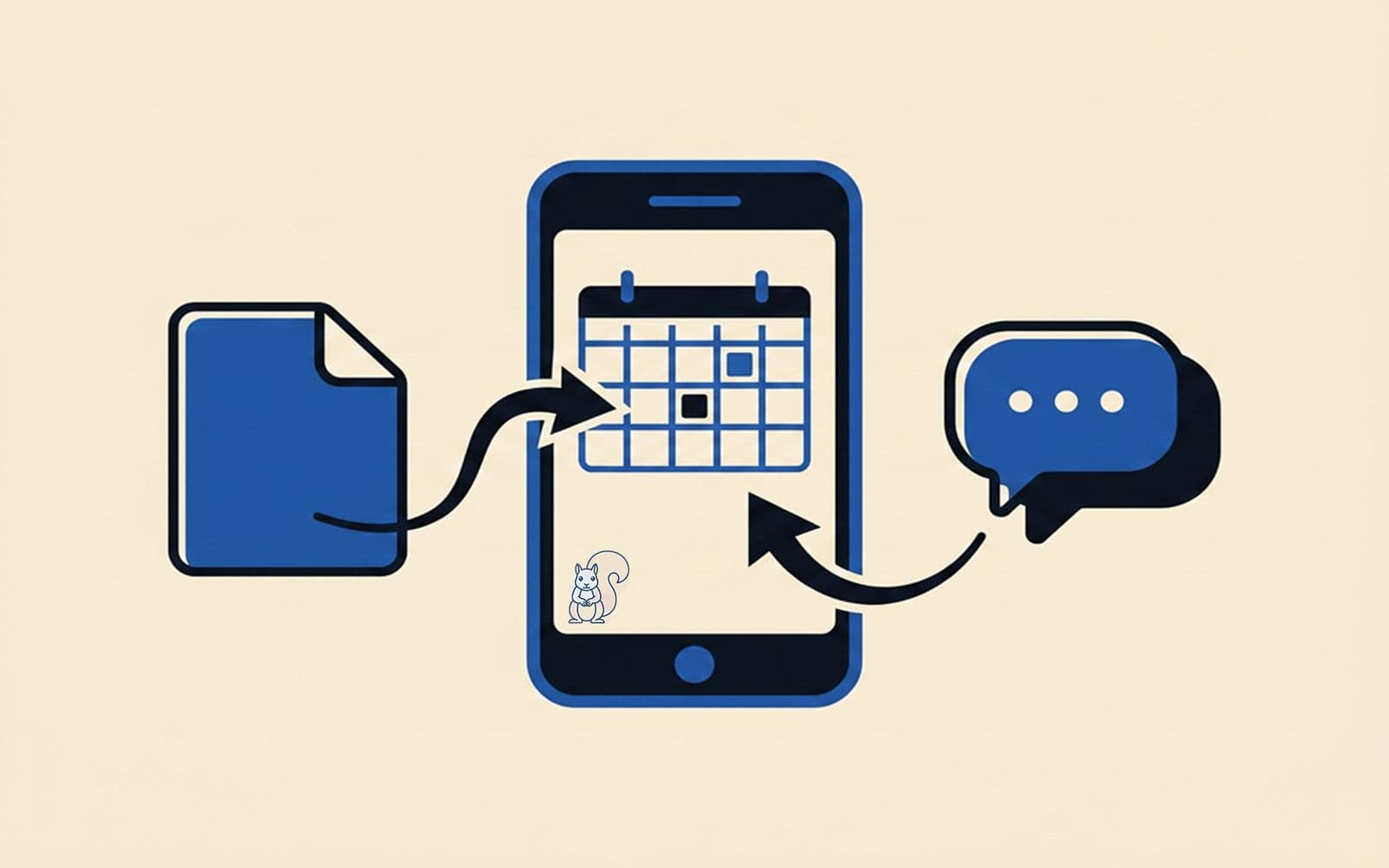
Most households do not have a scheduling problem. They have a visibility problem. The information exists and somebody knows it, it is just sitting in a different place from everyone else: a work calendar nobody else can see, a message that came to one phone, a letter that went in a bag. The fix is a shared calendar everyone can look at. The catch is that your family is almost certainly split across different phones, which is where it gets fiddly.
Here is how to actually do it, honestly, including the free options, and what to do when a shared calendar turns out not to be enough.
First, the free way, because you should try it
If everyone is comfortable in Google, a shared Google Calendar is free, works on iPhone and Android, and is a perfectly good answer for a lot of households. There is no sense paying for or installing anything before you have tried the thing you probably already have.
The short version: one of you sets up a calendar in a Google account and shares it with everyone else by email. Each person adds that calendar to the Google Calendar app on their own phone. iPhone users either download the Google Calendar app or add the Google account into Apple Calendar so it shows up alongside everything else. Android users have it already. Once everyone has it, an event added by one person appears for all of them.
That is genuinely it, and for a household where everyone has a Google account and keeps it synced, it is hard to beat free.
Where the free way starts to creak
The Google Calendar route works right up until it meets a real family, at which point a few things tend to give.
Everyone needs a Google account, and needs to keep it synced. The grandparent doing Thursday pickups is not going to set one up to see a single calendar, and the childminder certainly is not. The moment somebody important sits outside the system, the calendar stops being the full picture, and the details start getting relayed by hand again.
It is a calendar, and only a calendar. It handles events with a time and a place beautifully. It does nothing for the reminder that is not an event: the form that needs signing sometime this week, the prescription that needs reordering, the kit that needs washing before Thursday. Most of what actually slips through is not calendar-shaped.
And things only appear on it if somebody puts them there. The school email arrives on one phone, the club message on another, the letter comes home in a bag. Each of those has to be spotted, translated into an event and typed in before anyone else can see it, and the gap between arriving and being entered is exactly where things get lost.
None of this makes Google Calendar bad. It makes it a calendar, doing precisely what a calendar does, which was only ever part of the job.
What “enough” actually looks like
If a shared calendar covers your household, you are done, and it cost you nothing. Genuinely. Stop here.
But if you recognised your family in the paragraphs above, the missing piece is not a better calendar. It is a way to keep everyone on the same page that does not depend on all of you downloading the same app, keeping it synced, and remembering to open it. It needs to work across whatever phones you are on, catch the things a calendar cannot, and do some of the joining-up itself.
This is the gap Baylo is built for. It works through WhatsApp, which everyone already has, so nobody installs anything and it does not matter who is on iPhone and who is on Android. You can share reminders as well as events, so the form and the prescription and the kit get remembered too, not only the dated appointments. And because it lives where people already message, something can go in the moment it is known rather than waiting to be typed up later.
A shared calendar is a good first move, and if you have not made it yet, make it. It is when you notice the calendar is holding the where-and-when while everything else is still being relayed by hand that it stops being the answer.
The next piece
Sharing the calendar solves visibility. The next thing most households hit is everything the calendar does not catch, and how to make sure it is known by more than one person without anyone having to chase. That is a reminders problem, and it is where most of the weight actually sits. That is the next piece in this series.
Baylo helps households share reminders and events through WhatsApp, whoever is on whatever phone. No new app to download. baylo.ai
By Sarah from BayloUseful tips
More to read

Running a household is a coordination problem. Here is how to make it easier.
Everybody knows something and nobody knows everything. The three things that actually make a household easier to run, and where to start.
 Sarah from Baylo5 min read
The best apps for family organisation in the UK (and why most of them require too much effort)
A guide to the best apps for family organisation in the UK — what each one is actually good for, who it's built for, and why most of them only work if you're already organised.
Sarah from Baylo9 min read